Hi there! I dedicate this post to the return from my long absence from the blog, and secondly, to the first article dedicated to the Blender Game Engine! I worked a lot to create demos, VR and small experiments and today i want to share with you one of those experiments with the python scripting inside the game engine.
Overview
This short demo shows the movement python script that i usually use to explore my real-time models. It’s a double tap and drag interface, useful on touchscreens, so it works on Desktop pc into the Blender Game Engine, but its suitable for the Android platform (through the Blender port) because of the similar interaction with Google Streetview. [new_column]
Blender Game Engine for Desktop PC
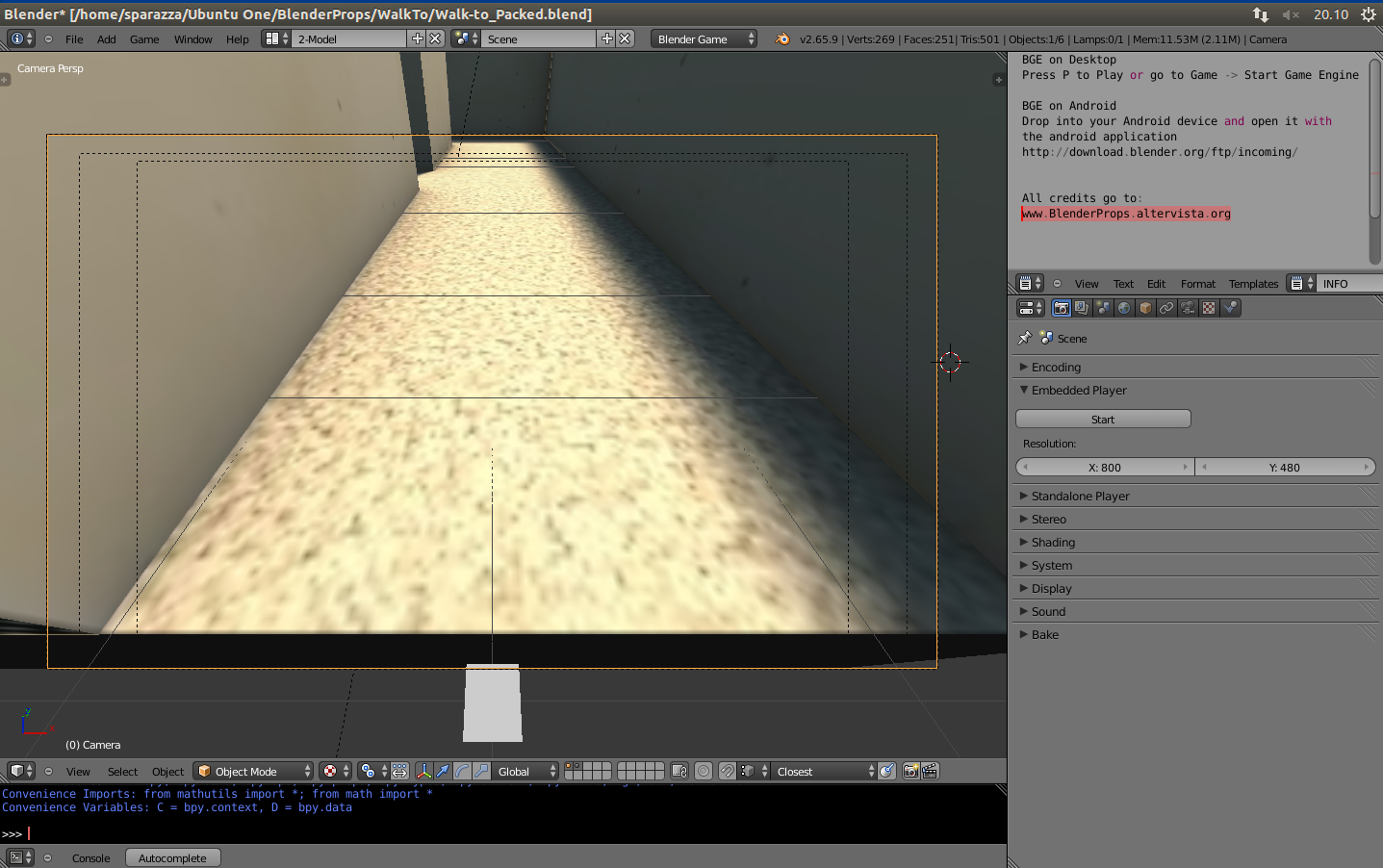
In order to test the script simply press ‘P’ key into Blender to start the game
Blender Game Engine for Android devices
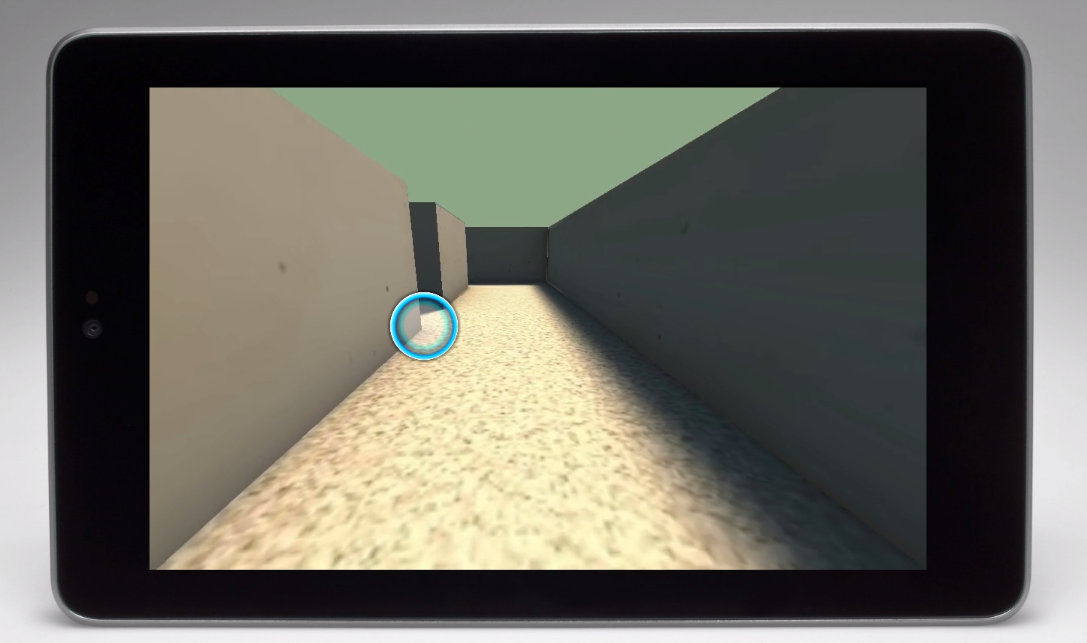
Drop the .blend file (the download link is at the bottom in this page ) into your Android device and open it with the BlenderPlayer Android application from: http://download.blender.org/ftp/incoming/BlenderPlayer_08_02_12_4.apk
Download
 Walk-to_BGE_Script - Downloaded 99 times
(Sign in or register to download. It’s free)
im downloading the BlenderPlayer Android application to my laptop now but how do i “drop the .blend file into my android”? do i need a flashdrive or possibly email it to my phone? and then what application on the android will be able to play and edit it?…
Hi! If you are downloading the BlenderPlayer from download.blender.org/ftp/incoming/BlenderPlayer_08_02_12_4.apk you could install it like any other application on your phone or tablet.
I usually download it directly from the phone, but you can email it if you prefer!
cool
I read a lot of interesting articles here. Probably you
spend a lot of time writing, i know how to save you
a lot of time, there is an online tool that creates
high quality, google friendly articles in minutes, just search in google – k2seotips
unlimited content
Hi,
I can’t download your script because i can’t register, you have probablly an error bacause i can’t receive my password